



Modifying your computer can be an exciting endeavor, whether you’re upgrading hardware components for improved performance or customizing software settings for enhanced functionality. However, it’s essential to approach computer modifications with careful consideration and proper preparations to ensure the best results. In this article, we’ll explore some tips for getting the best results when modifying your computer, whether it’s for gaming, productivity, or general use.
Define Your Goals and Budget
Before embarking on any computer modifications, it’s crucial to outline your goals and establish a realistic budget. Determine what specific improvements you’re looking to achieve, whether it’s faster performance, better graphics, increased storage capacity, or other enhancements. Additionally, assess how much you’re willing to spend on upgrades and modifications to ensure that your investments align with your needs and financial constraints.
Consider Performance vs. Price
When upgrading hardware components such as CPU, GPU, RAM, or storage drives, consider the balance between performance and price. While high-end components may offer superior performance, they often come with a higher price tag. Evaluate your computing needs and prioritize upgrades that provide the most significant performance improvements within your budget constraints. Consider factors such as CPU clock speed, GPU memory bandwidth, RAM capacity, and SSD read/write speeds to determine the best value for your investment.
Research and Choose Compatible Components
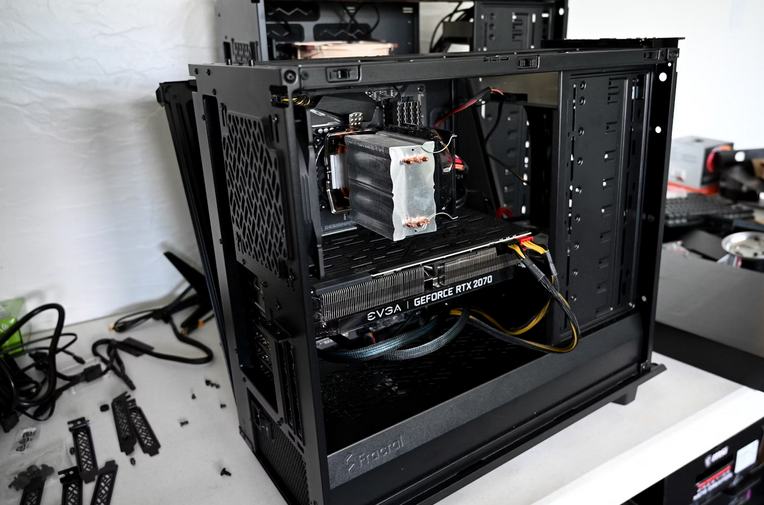
When selecting hardware components for your computer upgrades, research is key. Ensure that the components you select are compatible with your existing system specifications, including motherboard compatibility, power supply requirements, and physical dimensions. Check manufacturer specifications and compatibility guides to avoid compatibility issues and ensure seamless integration of new components into your system.
Plan for Proper Installation and Cooling
Proper installation and cooling are essential for ensuring optimal performance and longevity of hardware components. Follow manufacturer guidelines and installation instructions carefully when installing new components, ensuring proper seating, alignment, and cable management. Additionally, consider the cooling requirements of upgraded components, especially if you’re overclocking or installing high-performance hardware. Invest in adequate cooling solutions such as case fans, CPU coolers, or liquid cooling systems to maintain optimal temperatures and prevent thermal throttling.
Backup Data and Create Restore Points
Before making any significant modifications to your computer, it’s essential to back up critical data and create system restore points to safeguard against data loss or system instability. Utilize backup software or cloud storage services to create backups of important files, documents, and settings. Additionally, create system restore points in your operating system to revert to a stable configuration in case of unforeseen issues or compatibility problems during the modification process.
Test and Benchmark Performance

After completing your computer modifications, thoroughly test the system and benchmark performance to ensure that the upgrades have achieved the desired results. Run stress tests, gaming benchmarks, or productivity benchmarks to assess the stability, reliability, and performance of the modified system under various workloads. Monitor system temperatures, clock speeds, and resource utilization to identify any potential mishaps or bottlenecks that may require further optimization or adjustments.
Seek Expert Advice and Assistance
If you’re unsure about the best approach to modifying your computer or encounter challenges during the process, don’t hesitate to seek expert advice and assistance. Consult online forums, community resources, or professional technicians for guidance, troubleshooting tips, and recommendations. Experienced enthusiasts and professionals can provide valuable insights, recommendations, and assistance to help you achieve the best results with your computer modifications.
By defining your goals and budget, researching compatible components, balancing performance and price, planning for proper installation and cooling, backing up data, creating restore points, testing and benchmarking performance, and seeking expert advice when needed, you can maximize the results of your computer modifications and enjoy a faster, more efficient, and more enjoyable computing experience.…
Read More



 Price comparison tools can be extremely useful when buying Telegram members, as they allow you to quickly compare prices from different companies and select the most competitive option. It saves you time and money in the long run.


 The famous electric car giant is a stranger to no one because of its highly vocal CEO, Mr. Elon Musk. With a market cap of over $50 billion, Tesla is one of the world’s biggest and most well-known tech companies. But even with its size, Tesla is still growing at an alarming rate. The company has plans to produce 500,000 cars per year by 2018 (up from 50,000 in 2016) and is expanding into other industries such as energy storage and solar roofs. If you’re looking for a company with immense potential and exciting plans, Tesla is a great option.
 Apple is a classic tech stock and a top pick for investors. With a market cap of over $800 billion, Apple is the most valuable company in the world. The company is known for its strong brand and innovative products. And it doesn’t seem to be slowing down anytime soon; Apple has big plans to expand into other markets such as self-driving cars and augmented reality. If you’re looking for a big, reliable company with a lot of potentials, Apple is a great investment. These are just a few of our top picks for tech stocks to invest in today.
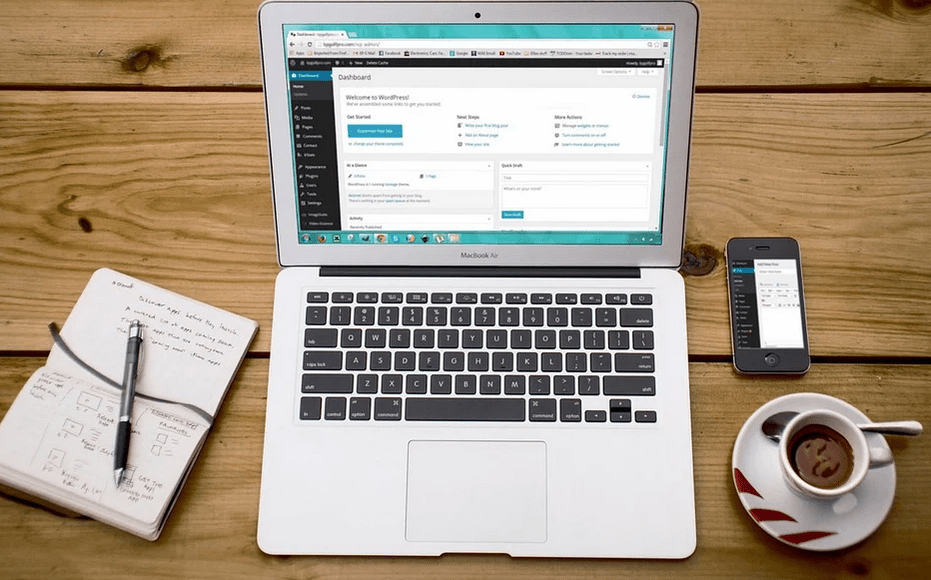 It is essential to choose a reliable design company that listens to your ideas and understands how you want to present your products to your potential buyers. If you know your business better, you should explain to them openly, and they should know how to market your products on your website. Working with a marketing agency could be a great idea because they will perfect your pictures, improve them, and put all your strategies to reach your customers via your website.
 Working with web designers that listen to your ideas is a good thing, but they should also challenge you and bring positive thoughts about growing your ideas and strategies to reach your customers.
 If you want your website to grow your business, consider hiring a web designer to work on it. Experiences web design companies will grow your business by selling it on your website, which is an easy way to reach your customers.
 You may be surprised to learn that if your website gets a lot of traffic and uses lots of bandwidth, they are likely to charge you more. This strategy is meant to protect web hosting firms from having a few websites that consume all their server resources. Ensure you choose a firm that allows you to acquire more bandwidth if your business grows.






 The speed is another essential trait that good software should have. With the stiff competition in the world of business, you need to make sure that your software is fast enough to serve your clients at a desirable speed. When people realize that you are taking a lot of time to serve them, they are likely to look for the same services elsewhere.
 our specification. Every business is unique, and this means that each website should be unique. For instance, an e-commerce website should be different from a photography website.
 nance and support

 t advancements in technology, people can now enjoy a much more luxurious way of life. This is because technology allows them to get the information that they need in a short time. Furthermore, mobile technology has enabled us to communicate and interact with others anywhere and anytime they desire. Google fax service has remarkable features that are meant to make faxing faster and convenient. In fact, what separates this particular service from the others is the faxing method.…


 IPhones, unlike many of the other smartphones, are a little more costly and buyers have to dig a little deeper into their pockets in order to buy them. In addition, you probably have a good portion of your life stored in your iPhone in terms of pictures, videos or other documents. For these reasons, and a few others, it is easy to understand why so many people get so closely attached to their iPhones and would do anything to save them from damage.
 It is worth pointing out here that in finding where to repair an iPhone in Denver, your first option should always be to take the phone back to the dealers that sold it to you in the event that the problems were not of your doing since they may be covered by your warrantee.…
 There is a special sort of workplace chair that have ergonomic designs that will help preserve your body posture and disperse your weight to other parts of your body. An example of an ergonomic chair is the kneeling chairs. These are not your common ergonomic chair since rather of sitting, you are kneeling on it.
 whereas some do not. So if you want to get a chair without an adjustable seat height, you will need to make sure that you can sit on it and still reach your desk. With an adjustable seat height, you shouldn’t have a problem. However, you will still need to ensure that you are comfortable even with the adjustable sets of heights.
 In fact, this is one of biggest advantage that you can get through the use of the internet in your endeavors. Imagine how much you can save by this? You do not need to spend on traveling, paying for rooms to stage your marketing activities and neither do you have to pay for the expensive lodging. In addition to that, you can do your work at your own time. You can imagine the comfortability associated with it.
 Communication through the internet is very fast. In fact, it can only be measured regarding seconds. Can you imagine being somewhere in Africa and you can communicate with someone in Greece by just pressing a button? Isn’t that wonderful? Then basically that is what internet marketing is like. It saves you a lot of time and resource.
 Car parking is a skill that majority of the drivers find it hard to master. Estimating the distance between your vehicle and another one behind you is a daunting task. The accidents caused under these circumstances can lead to unnecessary expense as result of panel beating. Moreover, such accidents can raise the auto insurance rates. You are more likely to benefit from discount by your auto insurance company if you have installed this safety gadget.
 Changing lanes on the freeway is hazardous. Unsafe lane changes are the leading cause of accidents on the roads. In this case, the reverse camera provides the driver with an excellent view of the area behind the vehicle. This is useful for older drivers, who don’t have the flexibility of turning their heads to check the blind spot.

 The list of those who could gain from a proficient virtual assistant is limitless. There are many small business owners who are overwhelmed with the volume of work they are doing to run their company and truly require a virtual assistant to lighten their load.
 sily grow your list and performance at the same time. The majority of real estate agents needs hundreds of contacts regularly updated since their client list base is growing. A qualified virtual assistant can help manage your information database. This will make it easy for you to access important information you require when buying or selling properties. For example, they can send newsletters and promotional materials both offline and online.
 update their validity. Buying or selling is a rigorous procedure that requires tedious negotiations before closing the sale. A virtual assistant helps you track on various things such as appraisals, inspections, and updates. He or she can arrange schedules for an open house, property notices, and other things related to closing deals.
 Once one has met all the pre-qualification requirements, the next thing o begin the process of application to be a Uber driver. The steps to follow include: Filling out an online application form, having the car you intend to drive inspected by the relevant authorities (inspection is done at a Uber inspection station), and submission of the driver’s paperwork for a background check to be conducted. Once this process is complete and a candidate has passed all the steps, he will be allowed to set his schedule and commence picking up clients.
 necessary to select a local service provider. You should be able to contact the technician at regular intervals. Moreover, it is easy and less bothersome to transport your computers or laptops to the service center. The cost of taking the laptop to a service station is less if the service station is within your locality. In addition, the repair costs are less.
 There are several providers that provide limited and specific solutions for computer repair. You should check service description of your service and determine whether they provide required service or not. For instance, if you have a non-detecting or dead motherboard, you should ask whether the technician can provide motherboard repair.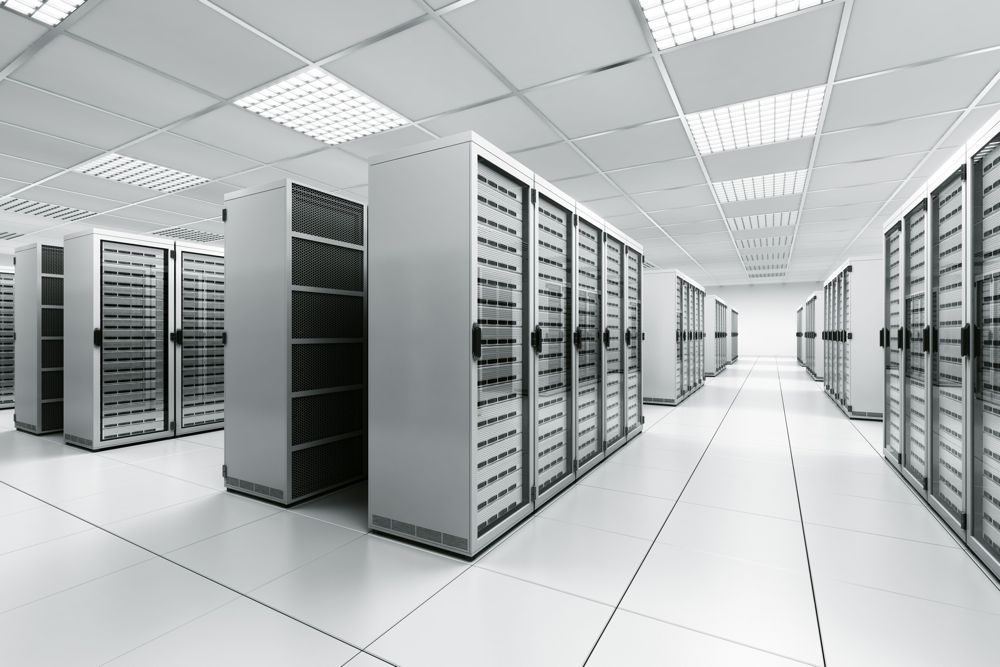

 special to eliminate the dangers and obstacles ahead. One data strategy needs to have the ability to work with all the options such as manual errors, application failures, natural and man-made disasters such as fire, theft, floods and so on
 plan or bandwidth expenses on regular monthly basis. The SLA and contract should be with a focus on your company and computing requirements.
 while you are streaming. It makes viewing way better and easy with incredible graphics as well as the design that is just really easy to use. This is the kind of app that anyone needs to catch up on anything that they missed without incurring any charges in the process. You don’t even have to sign up to watch what you want. Below are some of the reasons why this is one of the best apps that you could have.
 esign that is just breathtaking, to say the least, this app will grab anyone’s attention once you get it. You can as well filter so much stuff and remain with what you love only. It is available for all Android users, and this just makes it even better. You can also have the Showbox app in your iPhone and enjoy this experience as well.

 more bandwidth than you require, not less.
 on your computer. In fact, it is possible to get even this service through the internet. Viruses can also harm your computer, make it malfunction, and reduce its lifespan.
 You should note that a computer requires regular updates and tune-ups. This enhances your computer’s working speed. Moreover, it increases the lifetime of your computer. These processes include updating, rebooting, and installing general inspections or windows.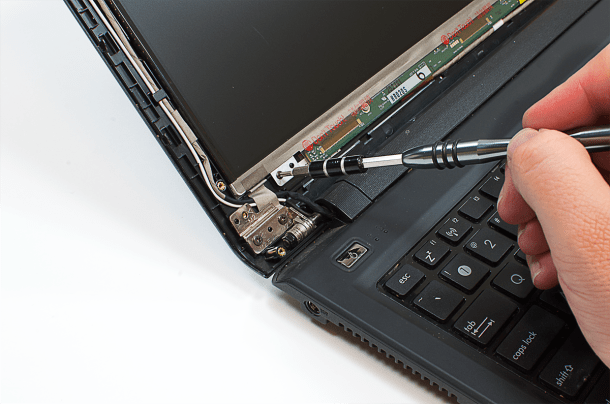

 When you hire computer technicians, you can enjoy a variety of services to help keep your device in the best shape and even extend its lifespan. Services may include power supply repairs, power jack repairs, component repairs, software installations and system upgrades. They can also offer professional tips for choosing products and maintaining/servicing computers among others. In short, you will have a reliable partner who can cater to your different needs and ensure you don’t have to put up with the inconveniences caused by a malfunctioning computer.
 have begun to incorporate VOIP with secure phone calls and instant messaging programs. If you prepare to enjoy unlimited long distance calling and lower monthly phone expenses. A great idea is to make a list of your needs and wants in a phone, compare strategies and choose the service provider that fits your requirements. If you are still uncertain whether VOIP would be best for you, consider its advantages.
 This Technology incorporates your audio, data, and video applications.
 call you, whenever they want to, and they will certainly not have to pay long distance charges.
 excel experts, you can outsource tasks as per your requirement. You do not have to hire a full-time staff member and get tied to paying all the benefits.
 By letting someone else do your tedious, boring tasks, you have more personal time to spend enjoying life with your family and friends. REmemeber, the reason you work hard is so you can have a happy and content life. There is no point in you spending 15 hours a day at work if you can’t partake in the fruits of your labor with those close to you.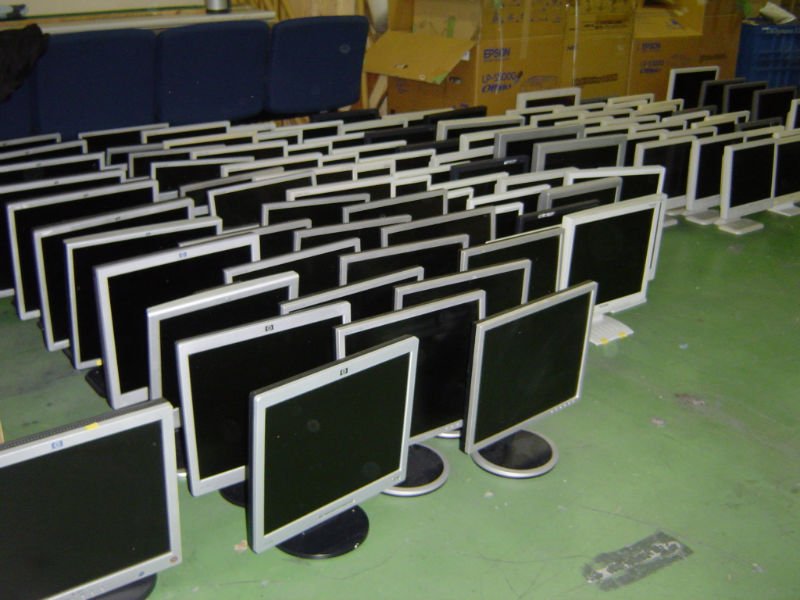
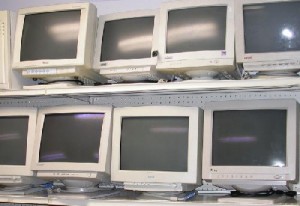 With the age of the laptop came flip screens and today we have the flat screen. Computer system monitors have moved from huge large space hogs to basic little and compact. People even have the ability to watch movies on their computer screens today.
 What we see year after year is innovation advancing and improving. With this, the older yet quality models are left. Don’t be afraid to take a rather older design if it saves you on your budget. This way you can put more money into getting the CPU specs that you truly need as we often spend a little fortune on a display that we truly do not need.
 phone. Women typically have the tendency to keep their phones in their handbags whereas guys would place them in their pockets.
 Is it your style?
 that you are staying ahead of the game. You want to ensure that you are doing your best to watch out for brand-new trends and brand-new innovation that is hitting the news. You must Compare these systems before buying. When you do this, you will be completely aware of when brand-new phone systems for companies that hit the market. You will have the ability to make sure that you are getting the best possible phone system in place for your employees and your company as a whole.
 increase in profit after the new system is set up, even taking into consideration the money that you needed to invest in the new system.
 millions of websites, blogs and online applications. Each data centre throughout the world is a part of the Internet. A data centre is constantly running 24 hours a day allowing you to access your hosted desktop at any time you pick. All you need to run your hosted desktop is an internet connection. You can work anywhere in the world online. As long as you have a web connection the possibilities are unlimited. If your associates are struggling to get into work, cloud computing will improve performance.
 Security has constantly been a problem. Your files are supported every day. The included in the benefit of the Cloud is that your information will always be safe. The loss of delicate data is a major issue. Data loss can make you lose sleep during the night or perhaps worse you might lose your business.
 expressions. Try to determine the photographer’s specialty. Lovely wedding event images require a different approach than headshots for your business newsletter.
 to get a feel for the photographer’s personality, and ensure they will work seamlessly within the borders of your occasion. Working with a photographer who is bossy, pushy, or overbearing can mess up even the most carefully planned day. Ask how long the photographer has been in business and ask to see more samples of their work. If possible, speak with previous clients and find out if they were satisfied with the service they received.
 bulk discounts, and any other unique requests you may have. Ensure to provide the photographer you employ with a list of people and minutes that must be tape-recorded.
 begin browsing for software application that does what you want. When you eventually find what resembles the ideal software, it turns out that the software application is not compatible with the web hosting account. Most often, in a shared hosting environment, every personalization is not possible.
 What you Need

 There are different cases offered to protect your iPad beginning with the iPad case that can be purchased from the Apple Store. This light-weight case can be used horizontally or vertically and is ideal for use when you wish to see videos. Its interior is made from microfibers that avoid your gadget from getting scratches. It likewise features a strengthened structure so that it can completely support your iPad. It comes with hassle-free holes for you to plug in your earphone, power source and access to your on/off button.
 look different from everybody else’s, then you can select iPad case accessories from third-party manufacturers. These makers are offering different kinds of cases that would fit anyone’s individual tastes.

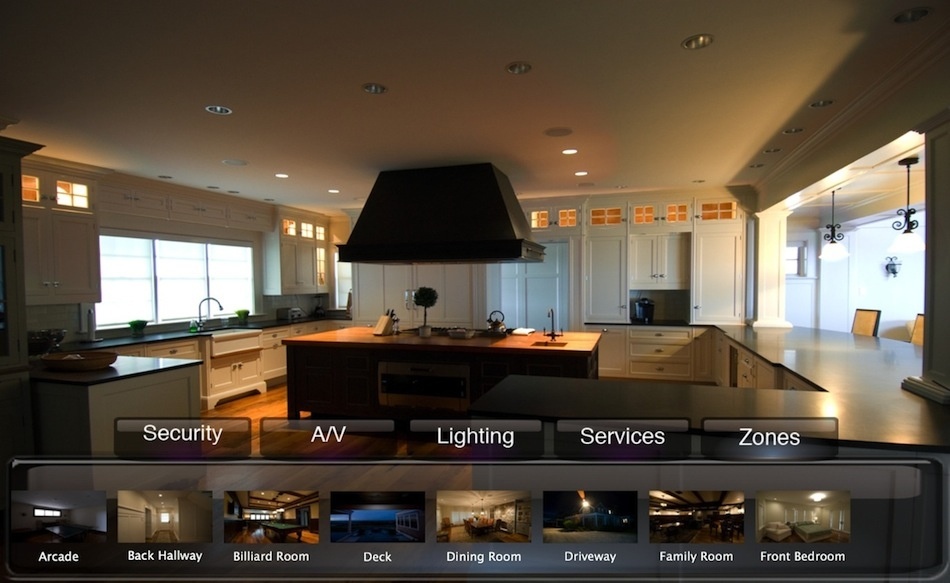
 into the wall. This reduces the fear that a lot of consumers deal with or think about when they consider home automation setup and other technology. These new transceivers are making all the home automation software and hardware products truly popular in the house automation markets.
 automation appliances include a smart chip that assists in simple, and automatic setup the minute all the gadgets are linked to the network. So these smart chips are generating cordless networks for home automation systems in homes, which are completely set up and are free from other general setup inconveniences.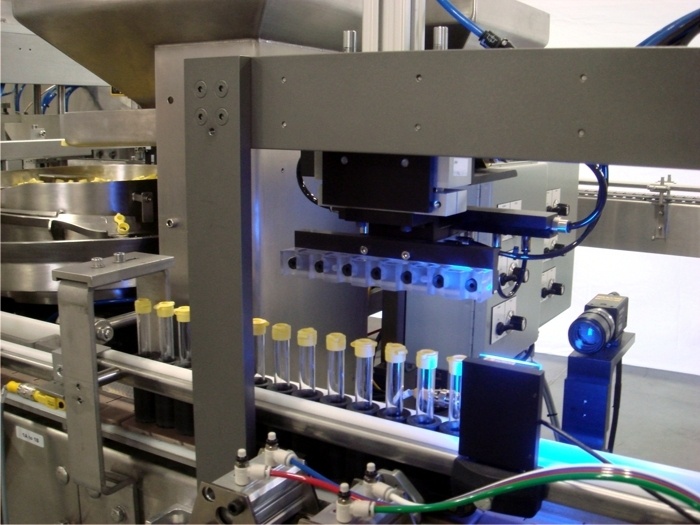
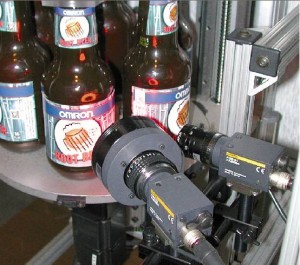 These systems use smart digital electronic cameras and specialized image processing software to perform electronic inspections.
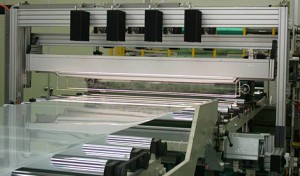 best possible image. Kinds of lighting consist of high-frequency fluorescent, LED, incandescent, and quartz-halogen fiber-optic.
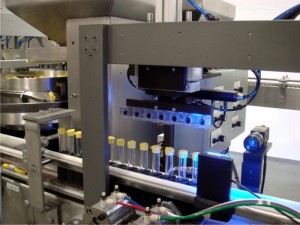 Device Vision Software application – Software can be found in numerous different forms. It is used for developing and executing programs, processing obtained image data, and making examination decisions such as pass/fail.
 You’re most likely excited about the possibility of your brand-new site as well as ready to show it off to the world. But you and your web developer might not have the same vision for your up-and-coming site. There are many affordable web design companies that you can negotiate well with their developers. If you’re dealing with web developers, take into consideration these tips to keep the process simple.

 The principle of marketing is deceivingly simple. There are numerous approaches that you can use to market your products or services to your target customers. Nevertheless, there are also many variables that can hinder the message from reaching its desired audience. Marketing specialists will be able to determine what factors can cause more success and what are not working effectively. Typically speaking, a consulting firm can assist you develop marketing approaches for small businesses. However, there are more advantages that await you.
 is a lot happening with running a company. Therefore, marketing is typically overlooked or not done as effectively as if you had somebody who can look at advertising and marketing techniques. With a marketing specialist, it is now possible because you can leverage their expert know-how to design a marketing plan to fit numerous situations.
 House automation is absolutely nothing new with most delighting in the benefit of such automation systems as garage door openers and automated thermostats. What is brand-new with today’s “smart houses” is that the whole system can be automated with basic touch panels and regulated from anywhere the world with the Internet access from a smartphone. A few of the most popular home automation systems consist of:
 The Environment control: This is a real money-saver for energy costs surpassing the capabilities of programmable thermostats. It allows for full control at any time from remote areas to turn systems on or off and regulate the temperature in various areas of the home.
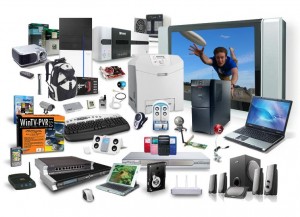 they can manufacture devices very cheap. There are lots of websites that provide a big range of Chinese gadgets on the web. In case your searching for special gadgets to flaunt among your pals and not want to spend a lot of money on it, there are a huge variety of cheap devices that can be bought from different website’s.
 then the best locations you should look for these low-cost gadgets ought to be the genuine Chinese websites. There is a big variety of businesses from China that produce these gadgets. A great deal of these companies has their websites however a lot of these are in Chinese. Having said that the majority of the big business have gradually but surely started opening website’s in English also. One crucial element you should remember is to learn how much customs duty you need to pay for ordering these devices from these Chinese websites. In case you have strategies to make a bigger order it would make a great deal of sense to get in touch with the nearest customs office to learn the amount of duty you need to pay and continue with the order if you paying the duty. Otherwise, you may well be in for a shock when you learn more about the customs duty you need to pay while receiving the products.
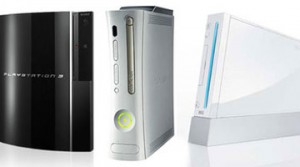 a reality that to achieve excellent things, humans should not just act, however also dream; not only make approaches but also judge things. We never cross a bridge until we come to it, but this world is owned by guys who have crossed bridges in their creativity far ahead of the crowd. These creativities open the obstacles of understanding and skills to invent innovative devices.
 competitive arena to provide amazing video gaming devices to the people.
 However, it’s still an outstanding smartphone which offers us Everest-sized expect 2015’s One M9.
 video camera; the Note 4’s snapper was one of the very best we used in 2014, so it’s solid groundwork for the next flagship shooter.
 LG G4
LG G4